个人在 vim 中一直是使用Alt + L代替Escape键,这里没有对这个组合键remap,vim 里原来就支持的,并且响应速度极快,关于这个可以使用:help i_Alt查看说明:
char action ~----------------------------------------------------------------------- *i_CTRL-[* *i_<Esc>*<Esc> or CTRL-[ End insert or Replace mode, go back to Normal mode. Finish abbreviation. Note: If your <Esc> key is hard to hit, try CTRL-[ instead. *i_META* *i_Alt* Alt (META) acts like <Esc> if the chord is not mapped. For example <A-x> acts like <Esc>x if <A-x> does not have an insert-mode mapping. |
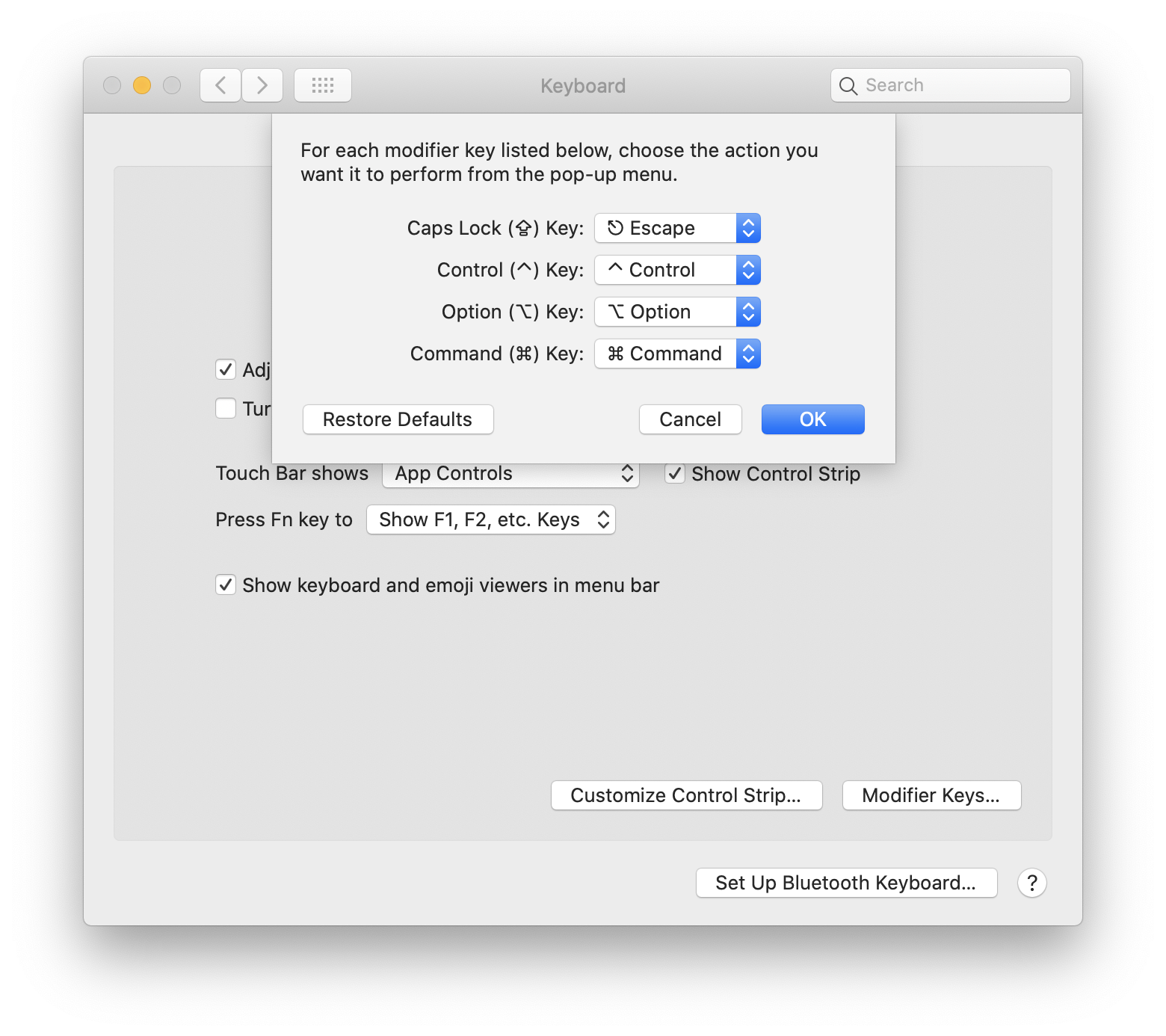
另外在 Mac OS 和 Linux 上,可以将无用的 Caps Lock 键映射成 Escape 也非常好用。
也有不少人在插入模式中,将 jj 或者 jk 映射为 Escape,在英文输入时还是挺方便的,不过这个与中文五笔输入打字时有点冲突,所以不如重用 Caps Lock 键,如下图是在 Mac OS 上的设置:
在 Intellij IDEA 可以在~/.ideavimrc文件中加入以下配置:
inoremap <A-l> <Esc> |